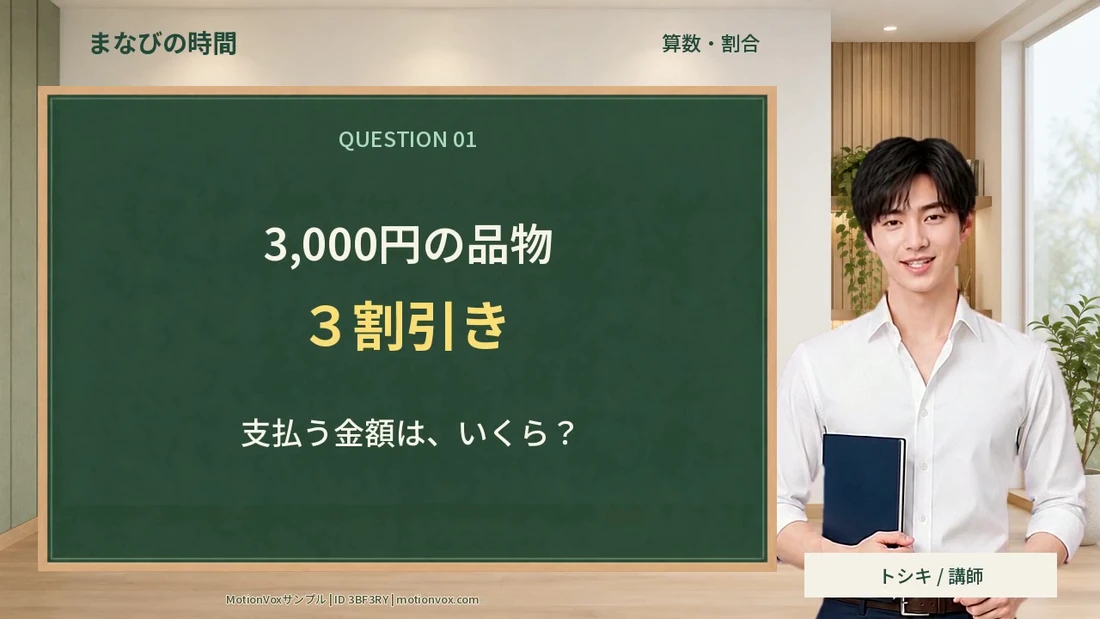
16:9
Landscape video
For training, manuals, presentations and YouTube explainers.
Explore landscape templates ↗Features and specifications
Avatar video generation, templates, PowerPoint, translation and timeline editing. See what MotionVox can do in one place.
Aspect ratios
Landscape, portrait and square formats are supported.
Choose templates for your purpose and publishing platform.
16:9
For training, manuals, presentations and YouTube explainers.
Explore landscape templates ↗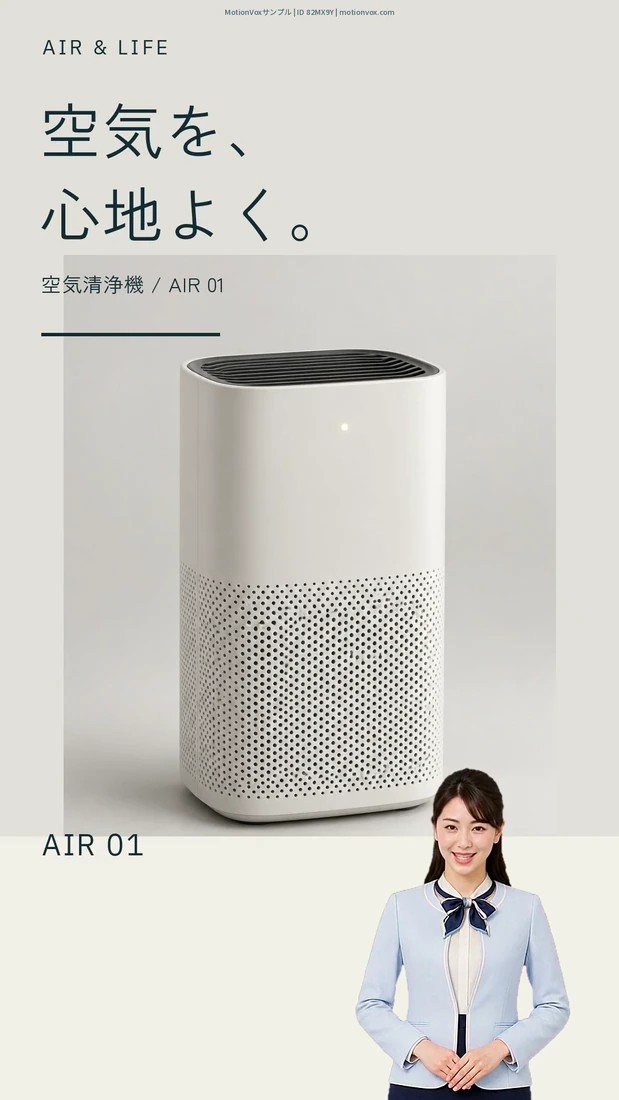
9:16
For TikTok, YouTube Shorts and smartphone guides.
Explore portrait templates ↗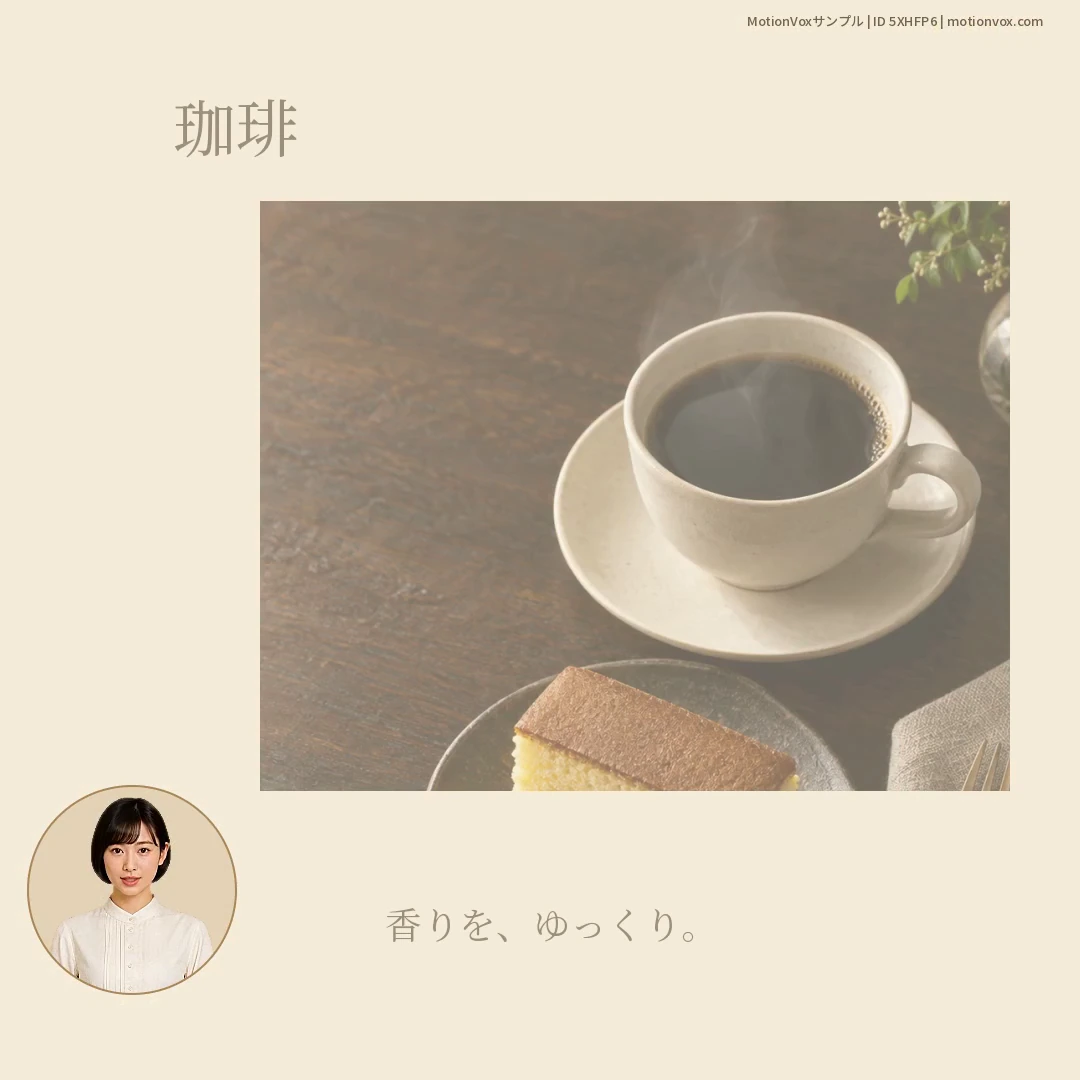
1:1
For social posts, product introductions and restaurant menus.
Explore square templates ↗| Format | Ratio | Examples |
|---|---|---|
| Landscape | 16:9 | Lessons, training, product explanations and slide presentations |
| Portrait | 9:16 | Short videos and smartphone guides |
| Square | 1:1 | Social posts and store or product introductions |
| Feature | Supported features | Learn more |
|---|---|---|
| Avatar video generation | Type a script to generate a video with your chosen avatar and voice. | Avatar video generation ↗ |
| Templates | Edit templates for news, lessons, stores, facility guides and more. Browse 60 featured examples. | Templates ↗ |
| PowerPoint | Generate a script and video from slides, with support for speaker notes. | PowerPoint ↗ |
| One or multiple presenters | Create a solo explanation, a multi-avatar conversation or a two-presenter PowerPoint video. | One or multiple presenters ↗ |
| Selfie to Avatar | Transfer expressions and head motion from a selfie video. Record with a camera, import video files and change the voice with Voice Wrap. | Selfie to Avatar ↗ |
| Create original avatars | Create from prompts, an existing photo or the in-app camera. PNG, JPEG and WebP photos are supported. Add blinking and subtle body movement with automatic idle motion and adjust head movement intensity. | Create original avatars ↗ |
| Feature | Supported features | Learn more |
|---|---|---|
| Avatars | Over 1,000 avatars with diverse backgrounds, professions and historical outfits. Create originals from prompts, photos or the in-app camera, too. | Avatars ↗ Create original avatars ↗ |
| Avatar display | Full-body, upper-body and circular inset views. Place people alongside slides and footage. | Circular picture-in-picture ↗ |
| Voice | Set voice, language, speaking style and speed to suit the person and content. | Voice ↗ |
| Emotes | Nods, listening responses, shy smiles, surprise, head tilts, winks, glances and more. Preview each motion and place combined expressions and head movements at the moment you choose. | Emote selector ↗ |
| Expressions and gaze | Set smiles, winks, glances and more. Edit start time, duration and intensity. | Expressions and gaze ↗ |
| Head movements | Place and adjust nods, head shakes and turns on the timeline. | Head movements ↗ |
| Feature | Supported features | Learn more |
|---|---|---|
| Timeline | Arrange footage, audio, subtitle and avatar tracks, and edit clip positions and lengths. | Timeline ↗ |
| Layout | Adjust the position, size and layering of people and media. | Layout ↗ |
| Text and subtitles | Edit titles and subtitles, including fonts, colors, outlines and other formatting. | Text and subtitles ↗ |
| Images, video and audio | Combine your media to build explanatory screens and scenes. | Images, video and audio ↗ |
| Finishing | Adjust transitions and display timing on the timeline, then export. | Finishing ↗ |
| Feature | Supported features | Learn more |
|---|---|---|
| Automatic translation | Translate scripts, on-screen text and text inside images. Create multilingual versions of a Japanese video. | Automatic translation ↗ |
| Multiple language generation | Choose multiple target languages to generate and export voices and videos together. | Multiple language generation ↗ |
| Glossary and context | Account for place names and people’s names to help prevent mispronunciation. Apply your glossary and video context to translation. | Glossary and context ↗ |
| Voices by language | Use the same avatar and voice across languages, or choose different ones for each language. | Voices by language ↗ |
Tell us about the video you want to create and the materials you already have.
Contact us / Free demo