
MOTIONVOX GUIDE
Create your own original avatar
Create your own avatar from a single photo and bring it into a video. Short tutorials cover creating from a photo, using the avatar in the editor, and renaming or deleting it. To transfer the expressions and movement of a talking video, see the selfie guide under Basic operations.
Choose a guide
-
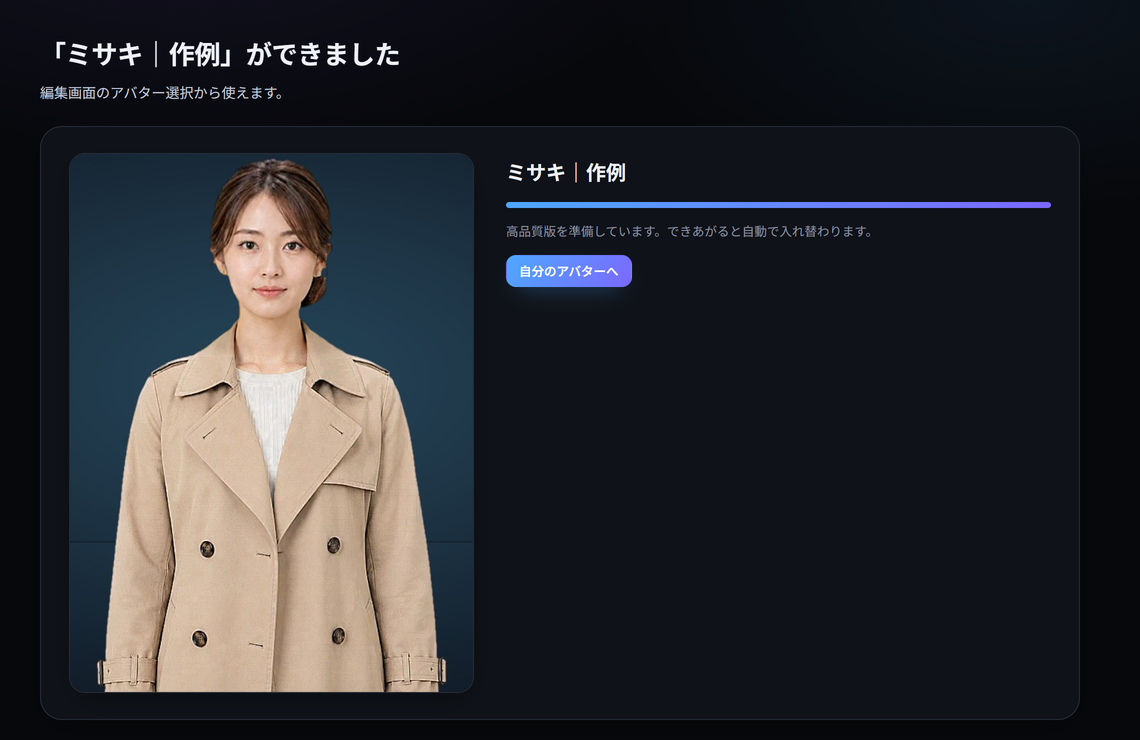
The whole flow: from one photo to your own talking avatar
See the whole path on one page: create an avatar from a photo in Avatar Maker, then put it in a video in the editor. Each tutorial explains the details.
-
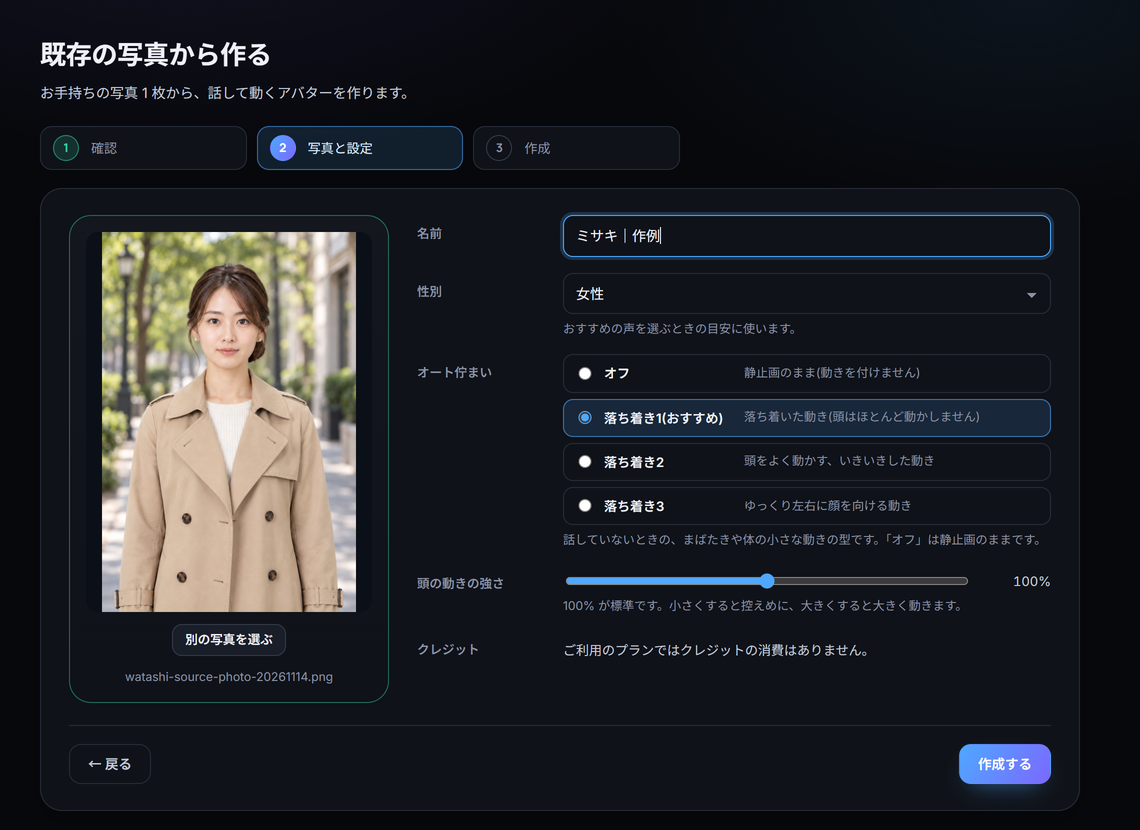
Create an original avatar from a photo
In Avatar Maker, go through the three stages of Create from an existing photo (confirm, photo and settings, create) to make an avatar from one photo.
-
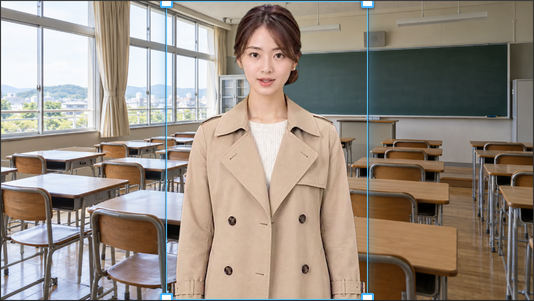
Put your original avatar in a video
In the track editor, choose your avatar with Add avatar, pick a voice, adjust body motion and generate the avatar clip.
-
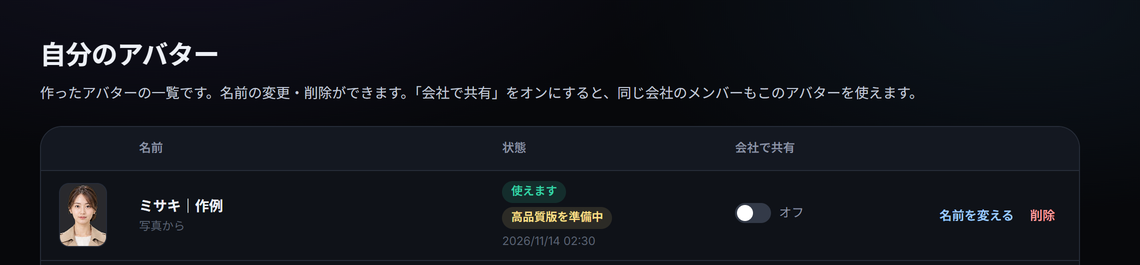
Rename or delete an avatar you created
In My avatars in Avatar Maker, check the status of the avatars you created, rename them, or delete the ones you no longer need.
-
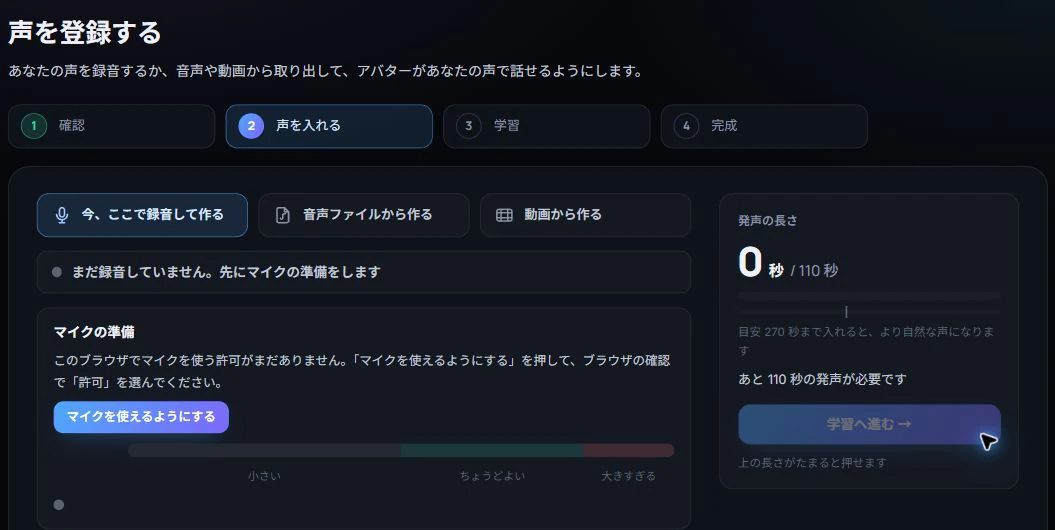
Register, audition and assign a voice
Learn to register a voice from a recording or file, audition it and assign it to an avatar.
No matching guides
Try a shorter term such as captions, voice or save. Clearing section and topic filters may help.