
MOTIONVOX GUIDE
Quick start
Make your first video while getting familiar with the screen and basic operations.
Choose a guide
-
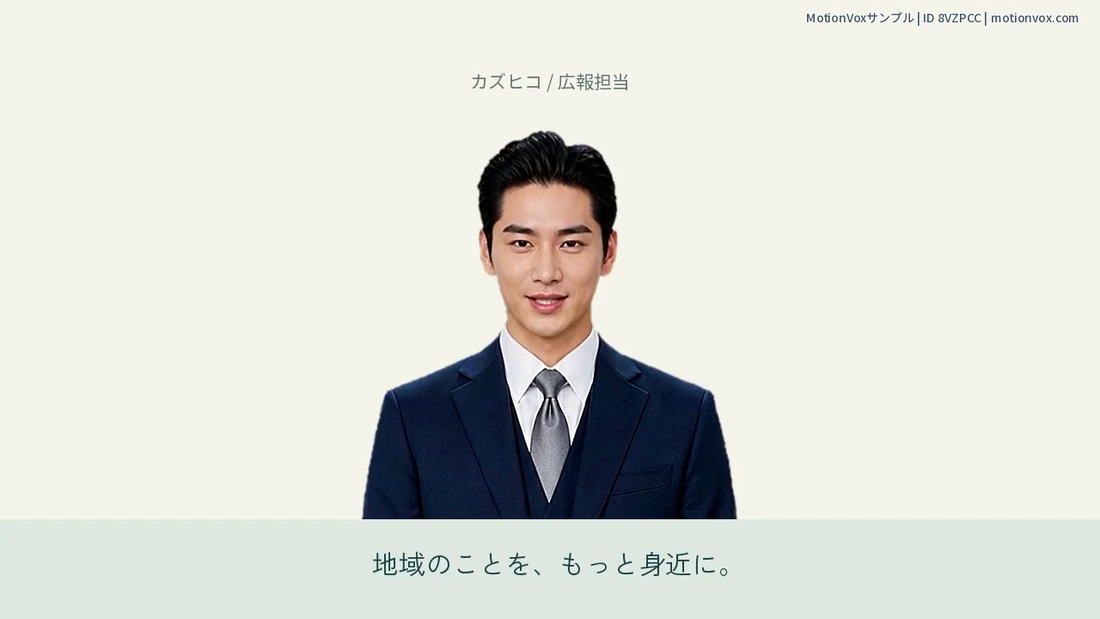
Start from scratch: make your first talking avatar
Add an avatar to an empty project, choose a voice and enter a short line to learn the basics of making a video.
-
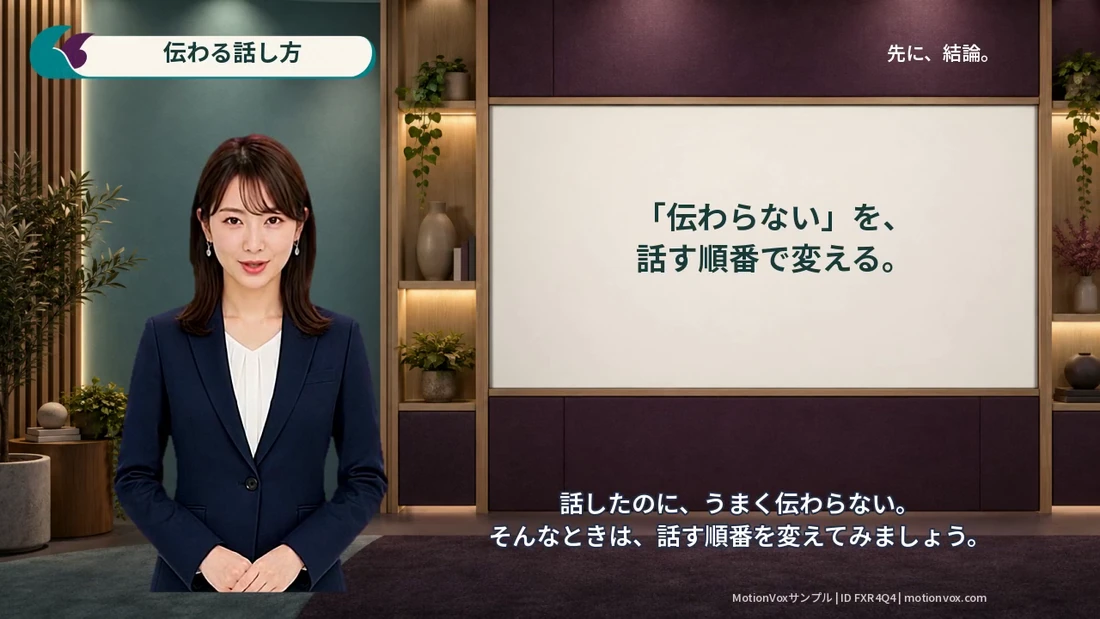
Track editor: workspace and basic controls
Get familiar with the editing screen: where to preview your video, arrange clips and change settings.
-
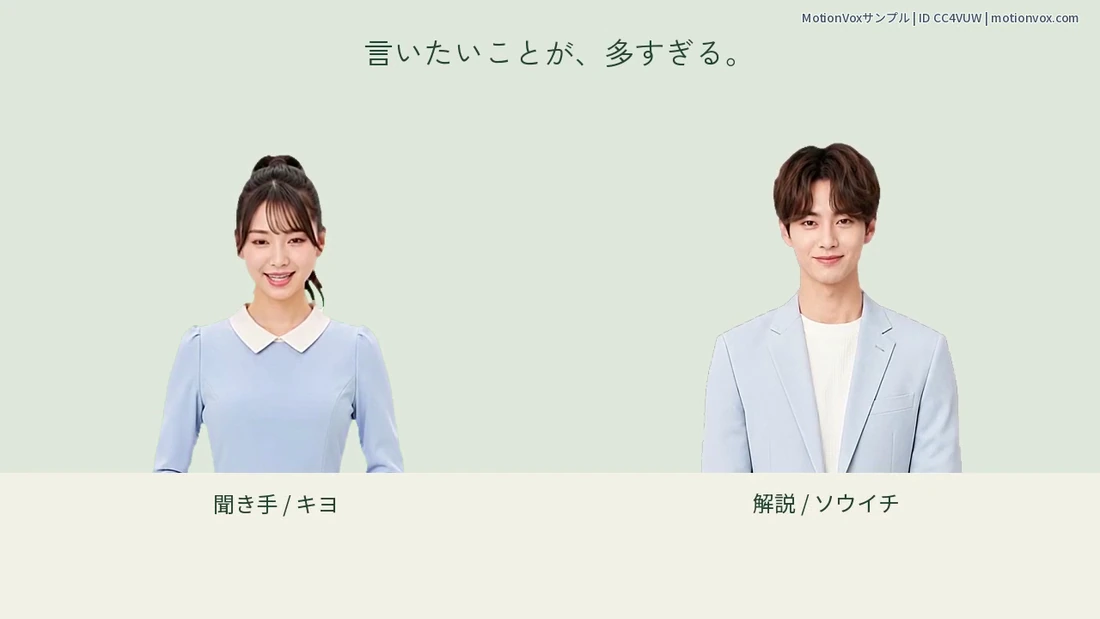
Understand tracks, their roles and settings
Learn how tracks organize presenters, voices and captions, so you can find the part you want to edit.
No matching guides
Try a shorter term such as captions, voice or save. Clearing topic and guide-type filters may help.
Ask us for help →NEED A HAND?
Need help moving forward?
Tell us what message you see and which step you are on. Please do not send passwords or other secrets.